Ferox TV · for Google TV, LG and Samsung
Television, the way it should work.
You already have a playlist. Ferox TV turns it into television that is a pleasure to watch on the big screen. It opens instantly, answers the remote without a pause and keeps the picture steady when the connection dips.
Ferox TV is a player. It comes without channels or films and plays the playlist you add.
Get it
On your television’s app store.
Ferox TV has been submitted to three stores. The link to each store appears here the day it publishes the app.
Google TV and Android TVGoogle Play
LG televisionsLG Content Store
Samsung televisionsSamsung Apps
Looking for the Mac version or an earlier build? Downloads
01 — Features
Built for the remote, not adapted to it.
Everything works with the arrows and OK. The interface starts large and stays readable from the sofa.
01Find something to watch in seconds.
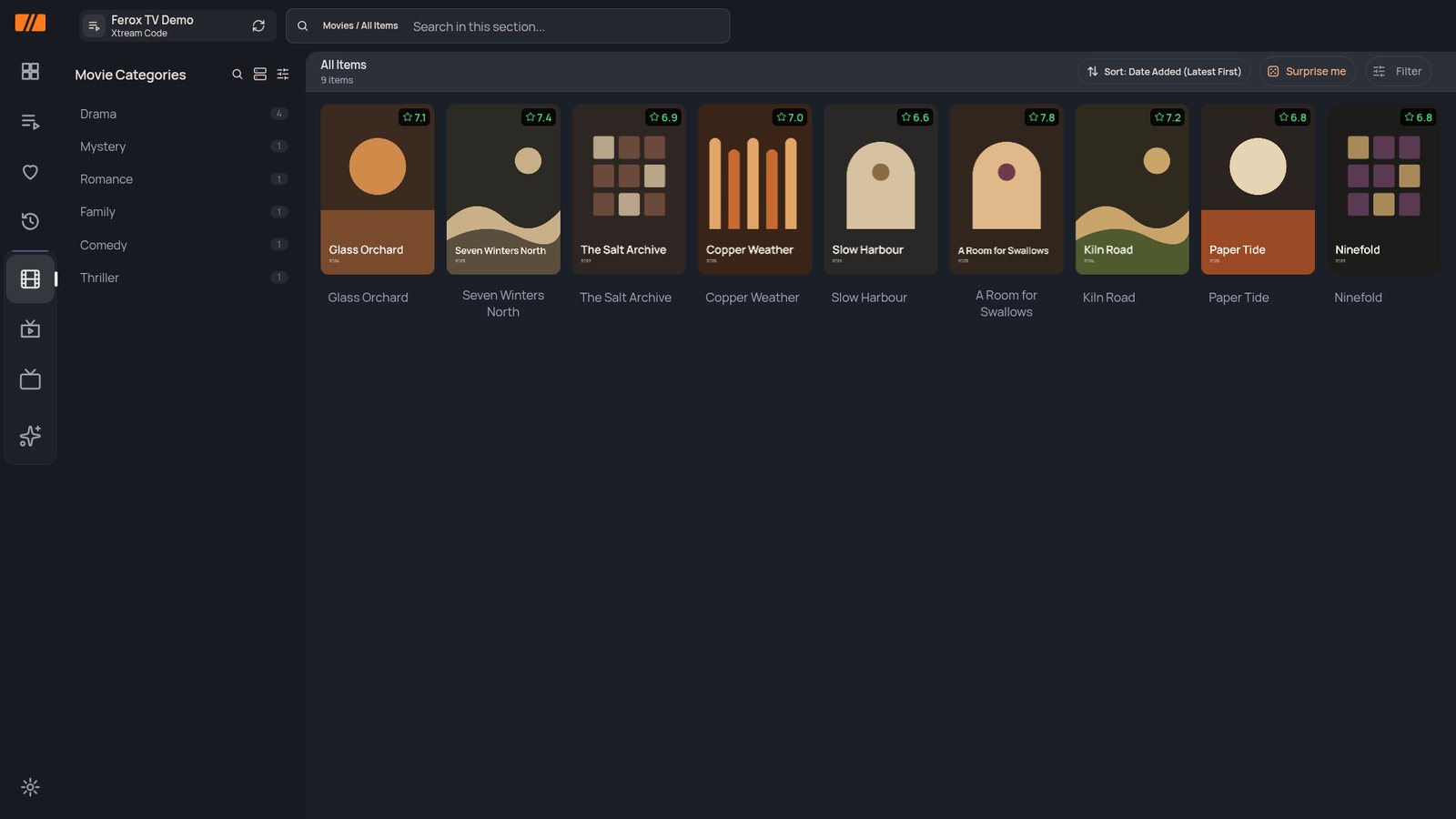
- Search your playlist by title.
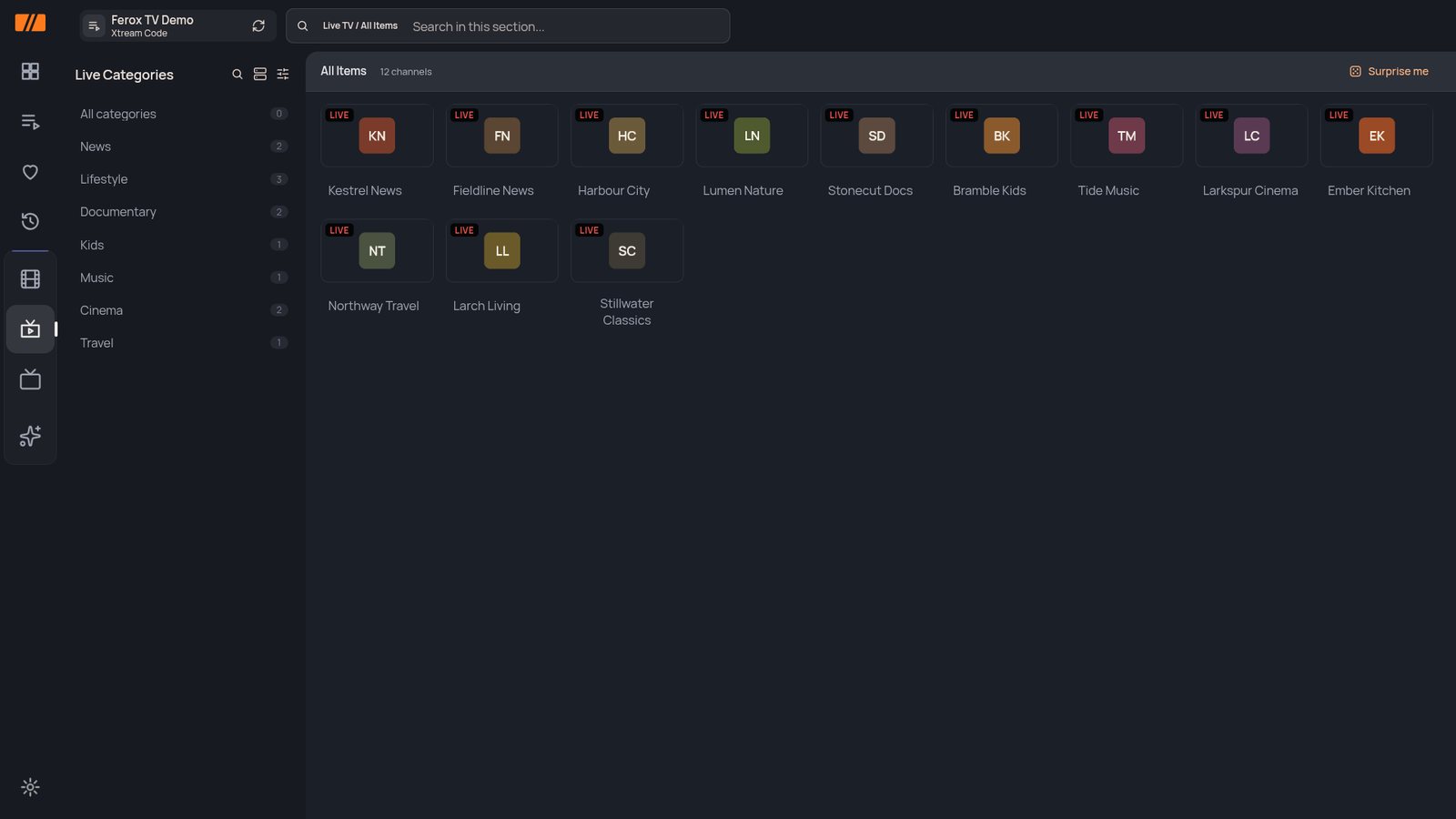
- A guide for every channel, with the archive one press away where your provider offers it.
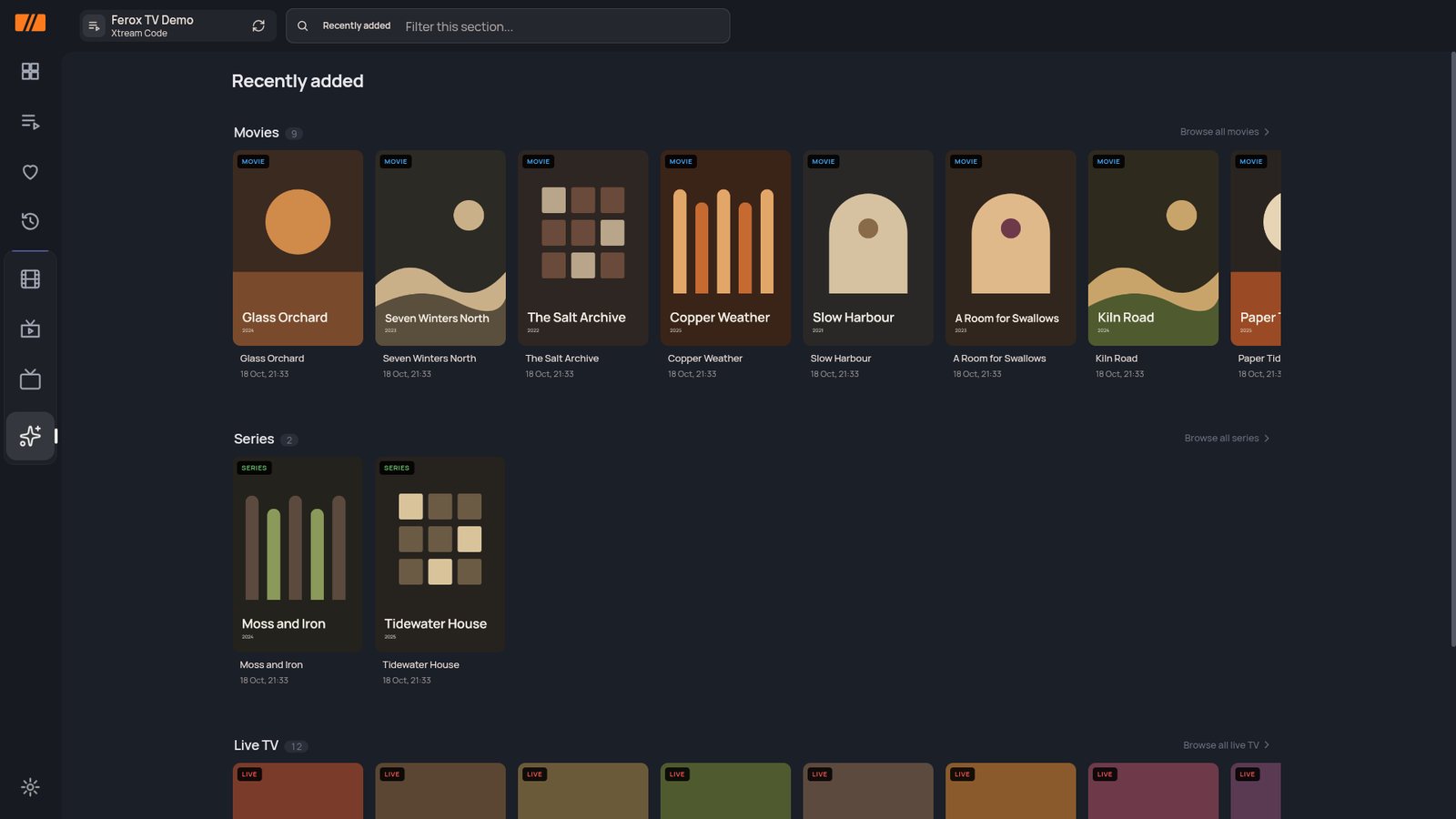
- Recently added films, series and channels on one screen.
02Pick up where you left off.
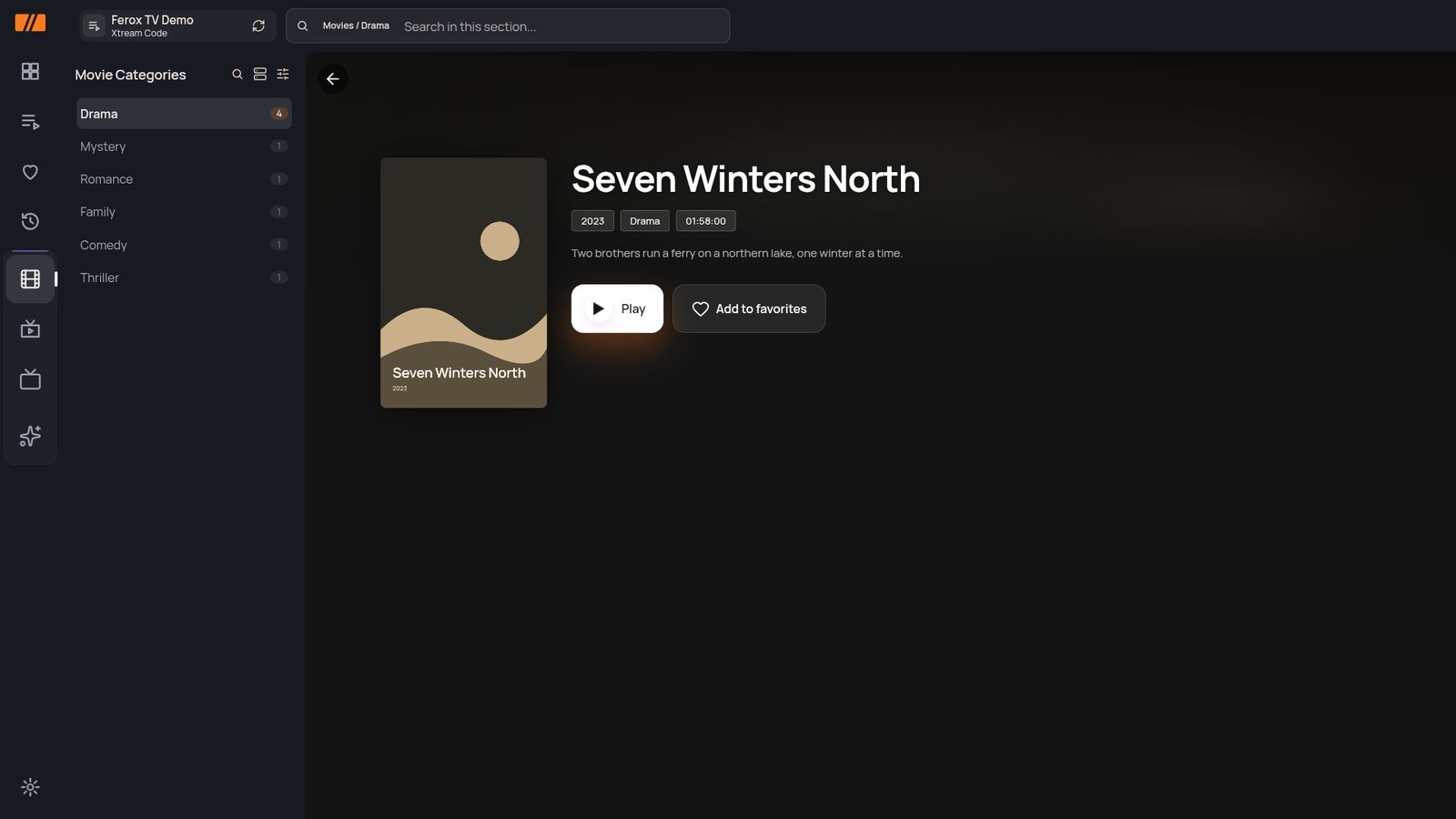
- Films and series remember the second you stopped.
- Series show seasons, episodes and what you have already watched.
- Your last channel waits for you on the home screen.
03A picture that holds.
- About a minute of buffer rides out short drops in your connection.
- Choose the video player that suits your streams.
- Live channels sorted into the categories your playlist brings.
04Yours, on your terms.
- Favourites for channels, films and series.
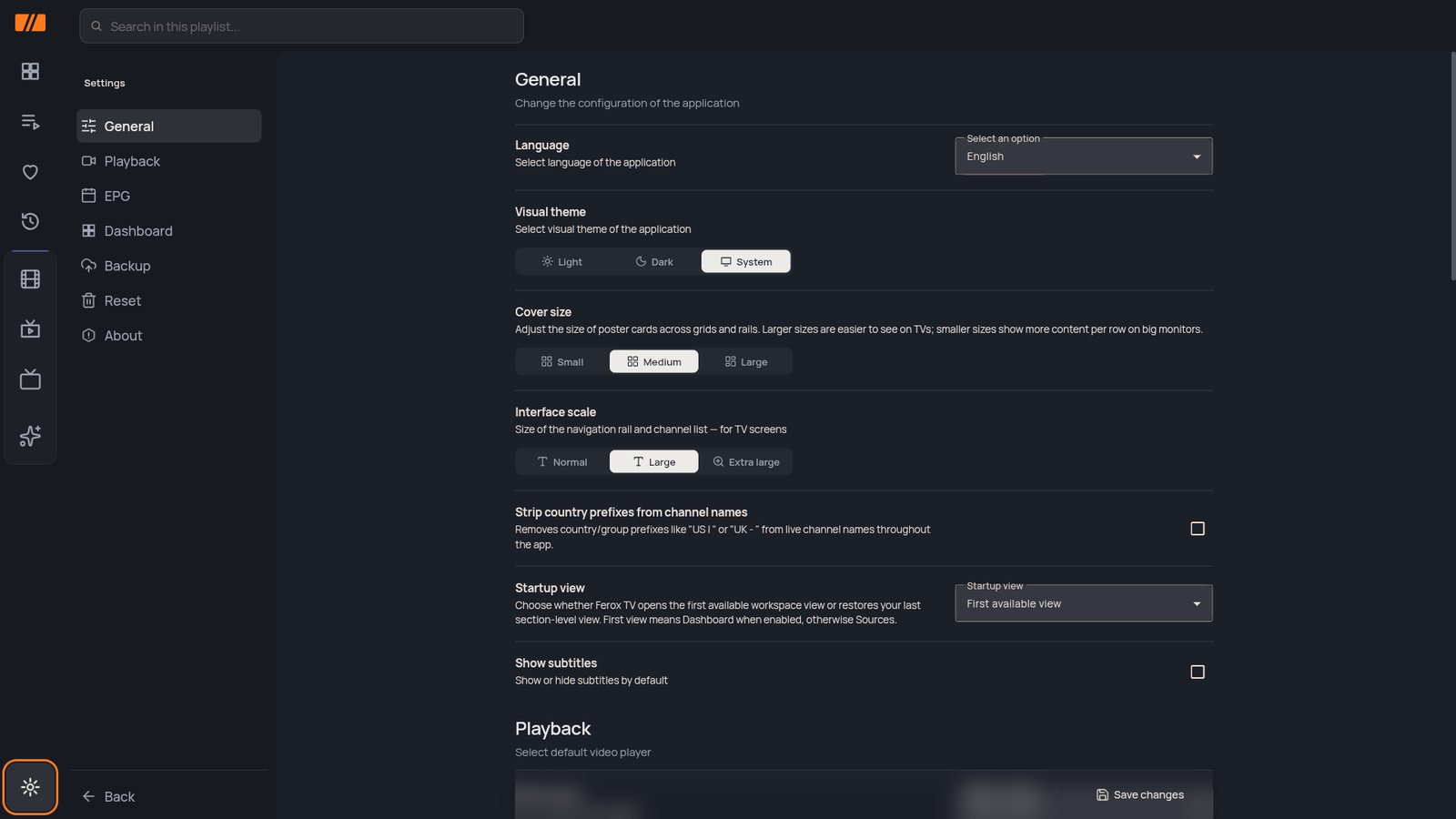
- Light or dark theme, cover size and interface size for your screen and your sofa.
- No account, no ads, no tracking.
02 — How it works
Three steps to your first evening.
Nothing to configure on a computer. Everything happens on the television, with the remote.
01InstallFind Ferox TV in your television’s app store and install it.
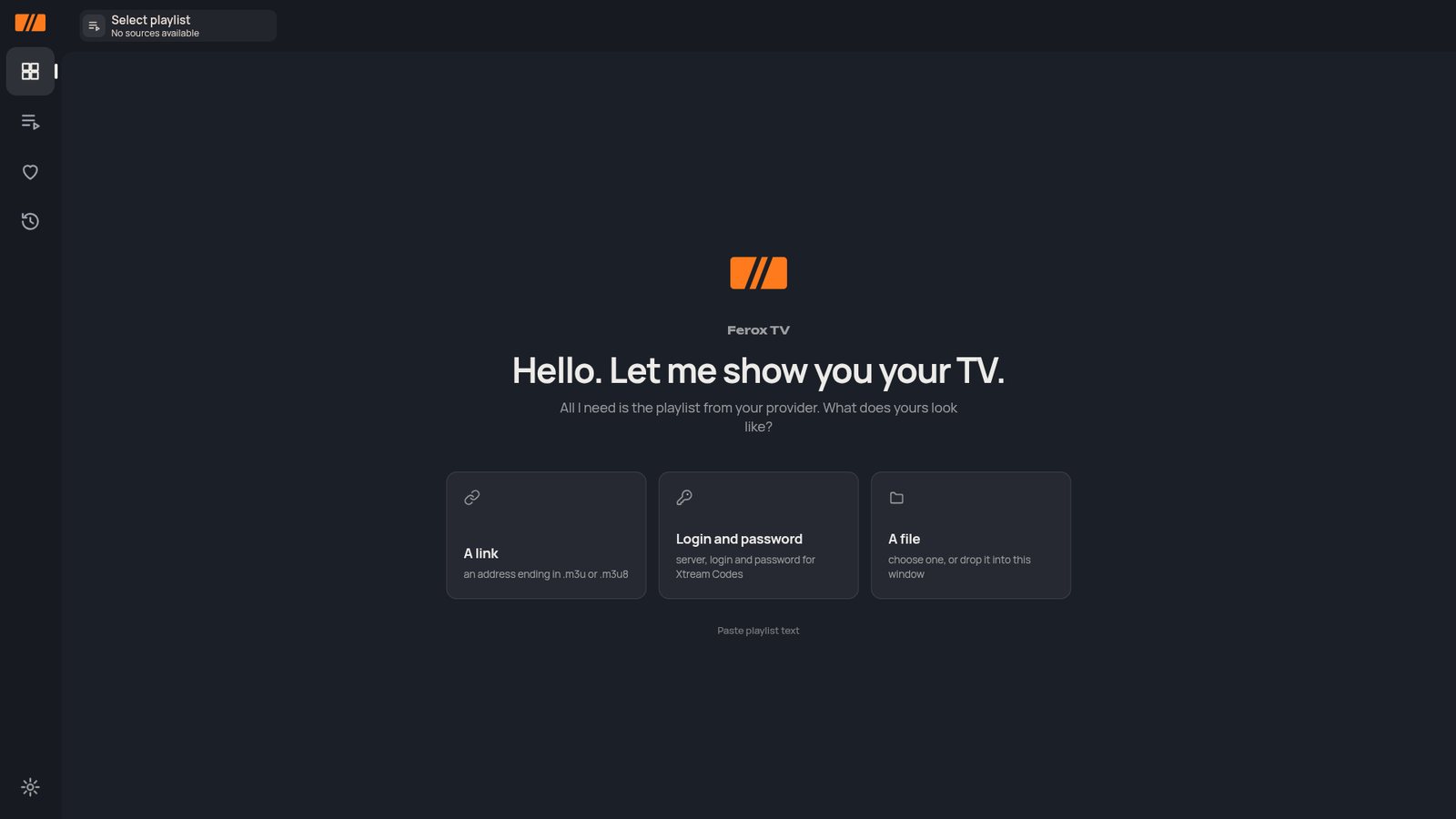
02Add your playlistPaste a link to your M3U playlist, open it as a file, or sign in with the server address and login from your provider.
03WatchChannels, the guide, films and series appear in one place. Favourites and your place in every film stay on the television.
03 — Questions
Before you install.
Does Ferox TV come with channels?No. Ferox TV is a player. You add your own playlist, and you are responsible for having the right to watch what it contains.
Which televisions does it run on?Google TV and Android TV devices, LG televisions with webOS and Samsung televisions with Tizen. Store versions are in review; until each store publishes the app, earlier builds are on the downloads page.
What kind of playlist do I need?An M3U playlist as a link or a file, or the server address and login your provider gave you.
Do I need an account?No. Ferox TV works without an account. There are no ads and no tracking.
Is there an archive?Yes, where your provider offers one. Past programmes open from the guide.
Questions? Write to hello@feroxai.ai in English, Latvian or Russian.